Back up on demand
Besides the scheduled backups, you can take a backup whenever you need one, for example right before an upgrade or a risky change.
Backup now, on a protected resource
Backup now starts a backup straight away, outside the schedule. Where you click it decides what is backed up:
- On a resource's backup page (open it from the Protection tab): that resource only.
- On a row of the Protection tab or the Plans tab: every resource in the plan.
These backups are kept and billed exactly like the plan's scheduled ones.
Choose how long to keep it
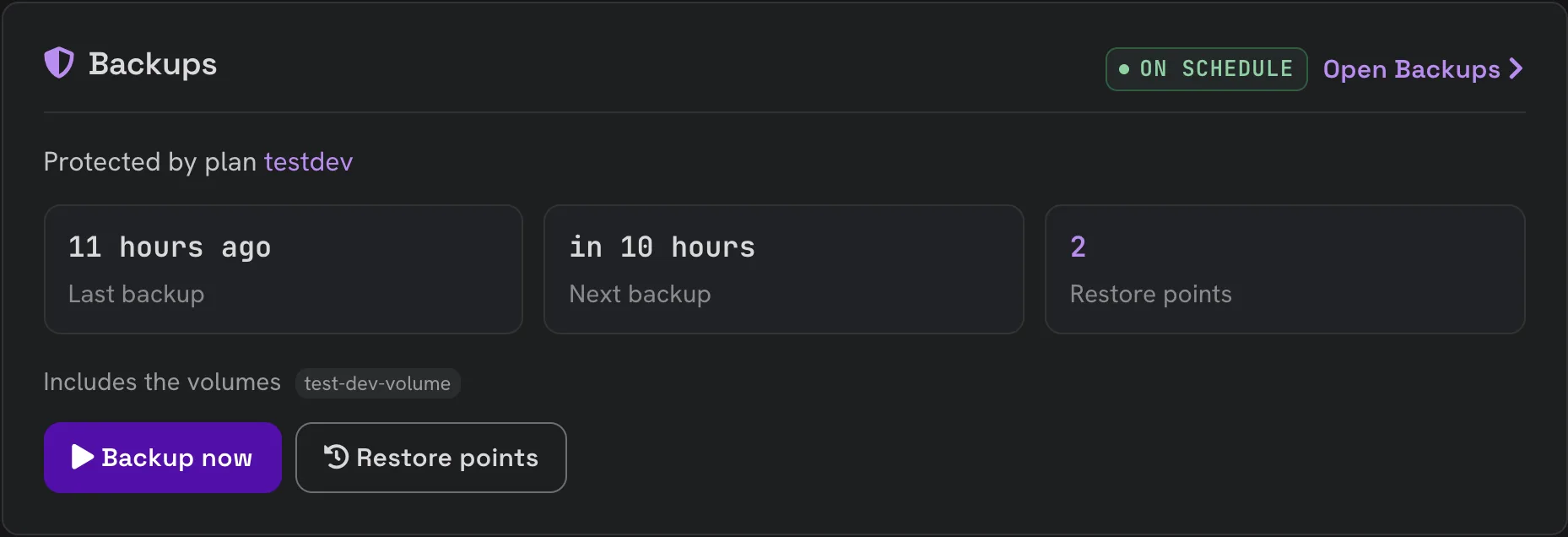
To keep an on-demand backup for a different time, use the Backups card on the server's or volume's overview page instead. Click Backup now there to open a short form.
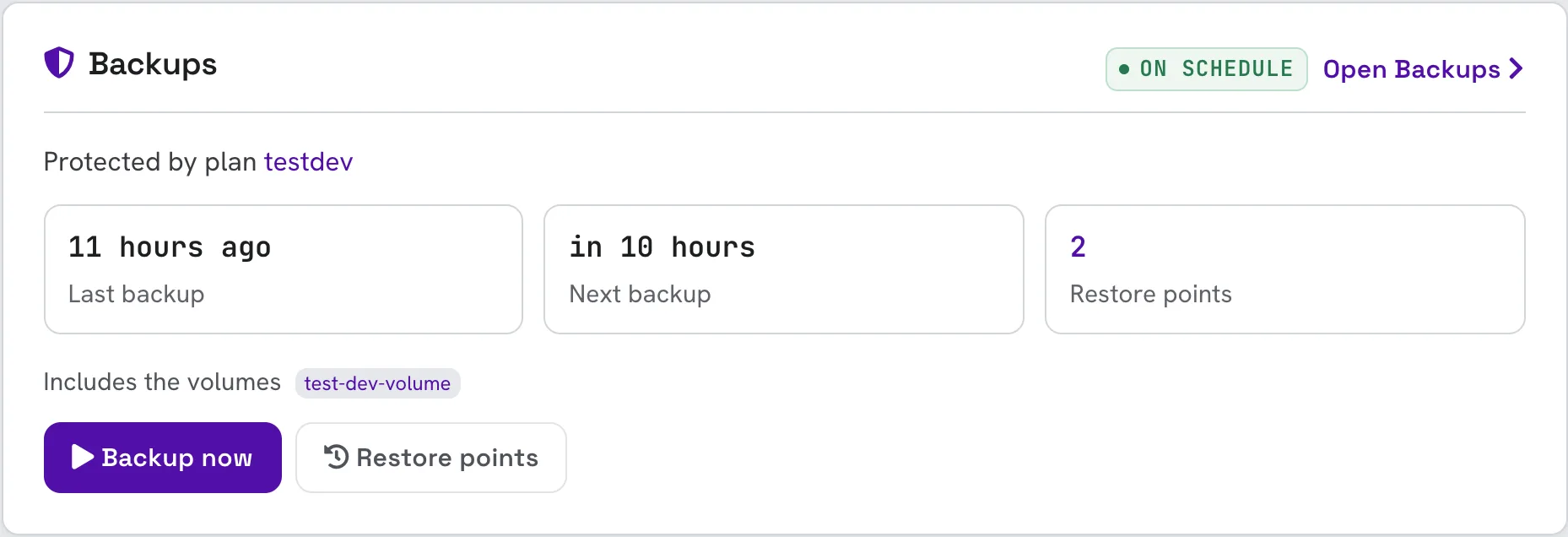
Choose how long to keep this backup:
- Vault: where it is kept, if your project offers more than one.
- Keep until: the date it is deleted automatically.
- Keep it until I delete it: shown when the vault allows it.
Click Start backup. The backup starts straight away and appears under Restore points once it completes; View progress takes you to it in Activity.
On a bucket's Backup tab there is no date to choose: the backup is kept as long as the plan's scheduled backups.
Some vaults keep a backup locked until its date: nobody, not even you, can delete it before then, and it is billed until it expires. The form says so before you start.
Back up once, without a plan
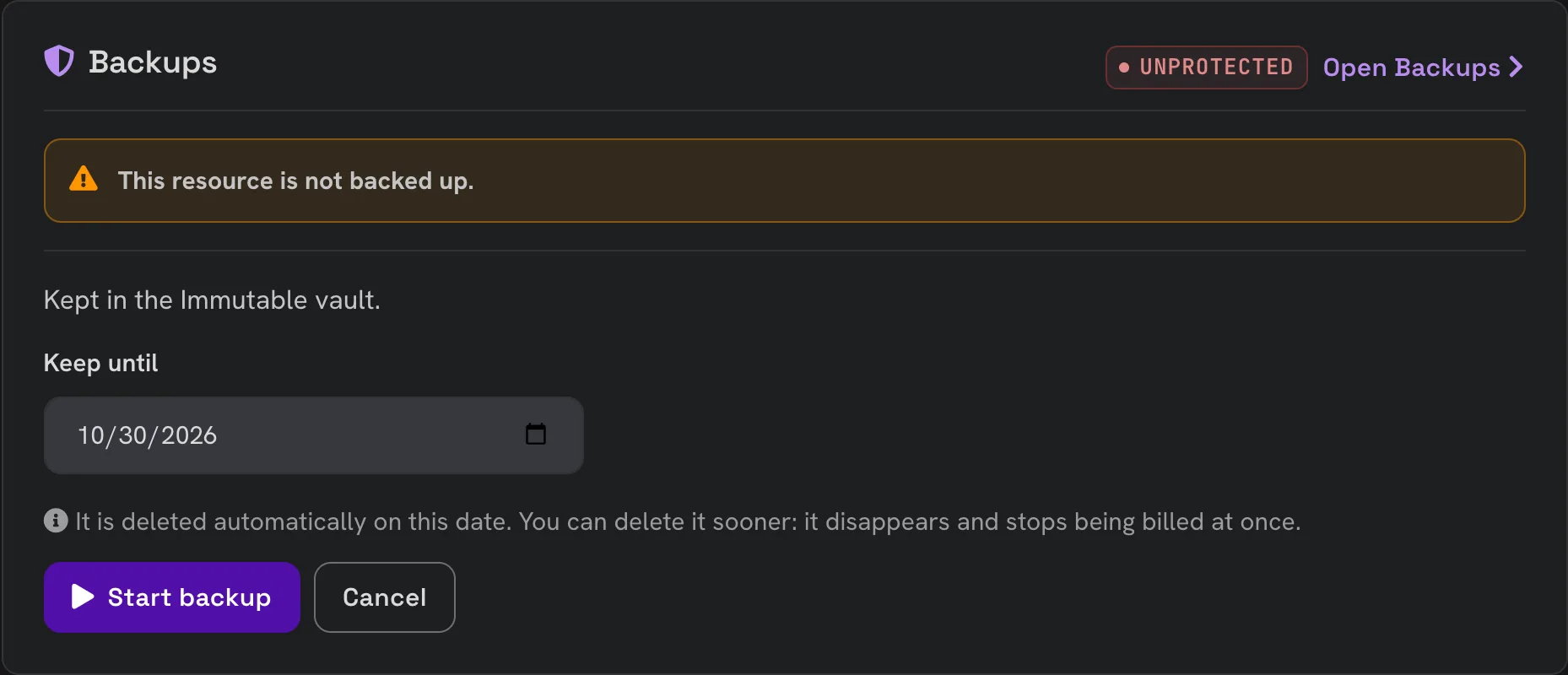
A server or volume that no plan protects can still be backed up once. On its Backups card, click Back up once, choose the date to keep it until and click Start backup.
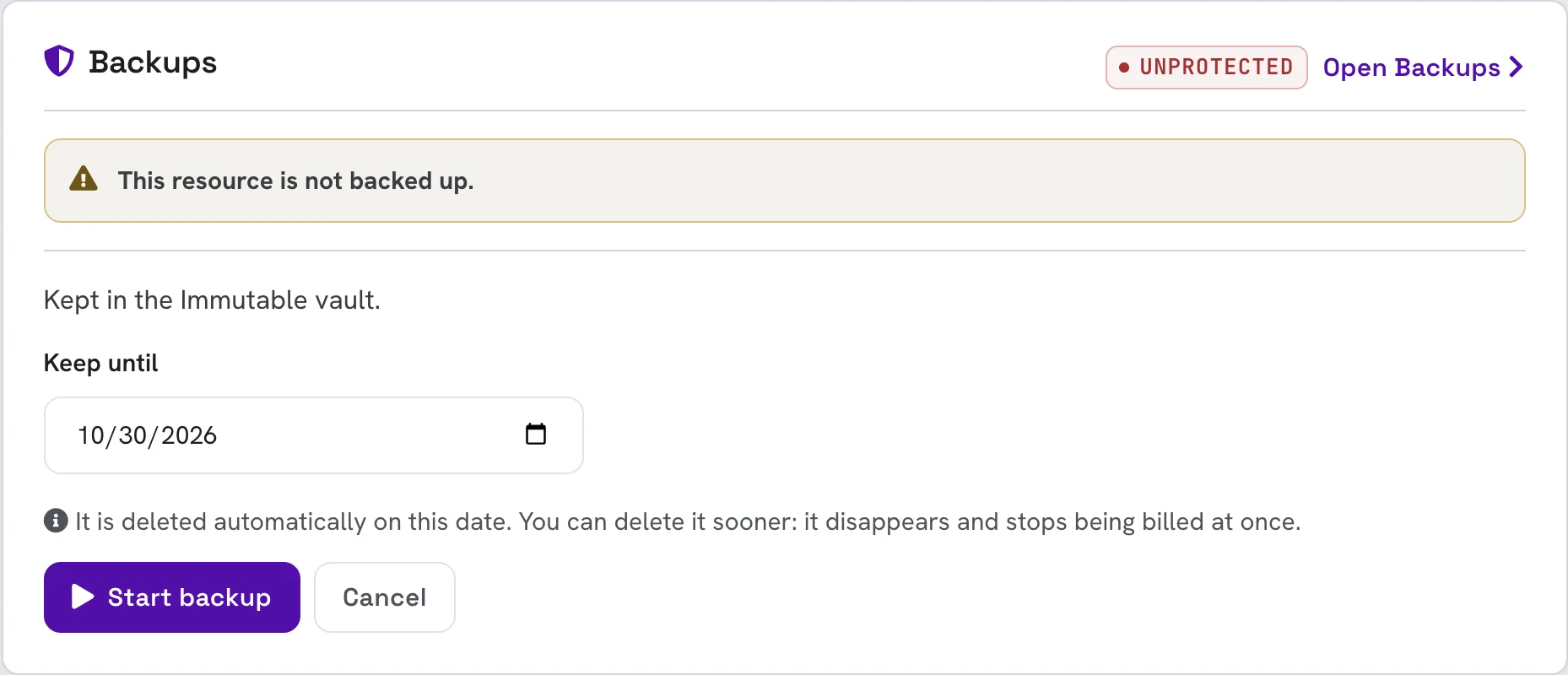
This takes a single backup outside any plan. It is not repeated. To back the resource up regularly, protect it with a plan.