Backup activity
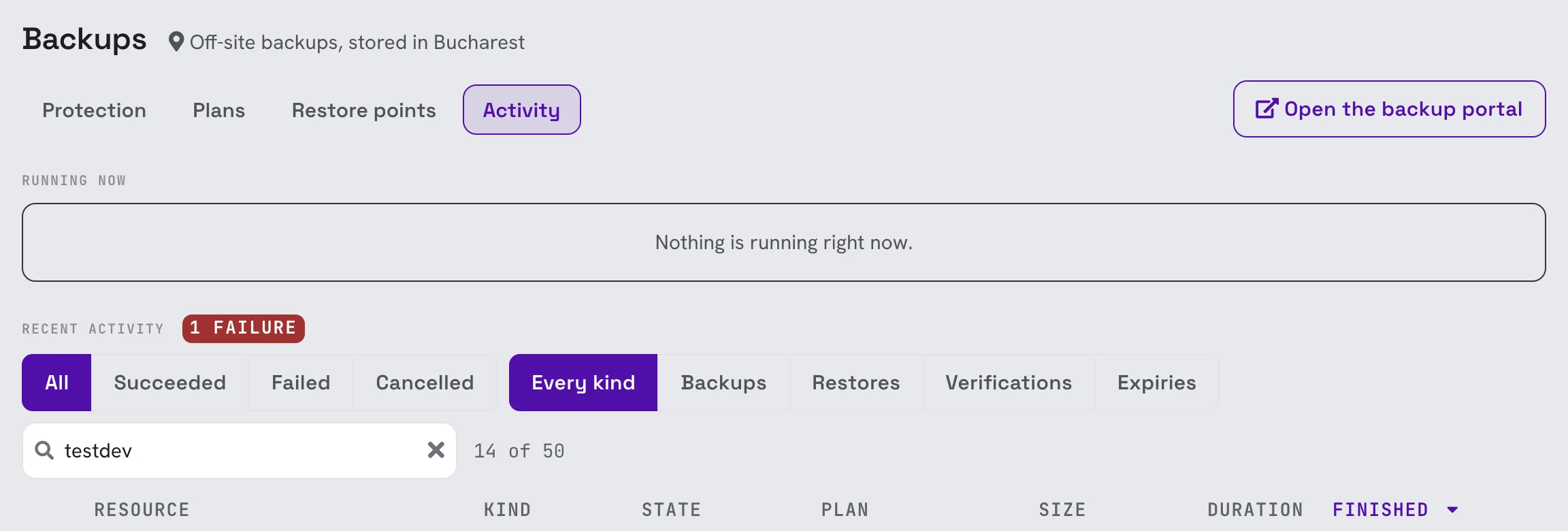
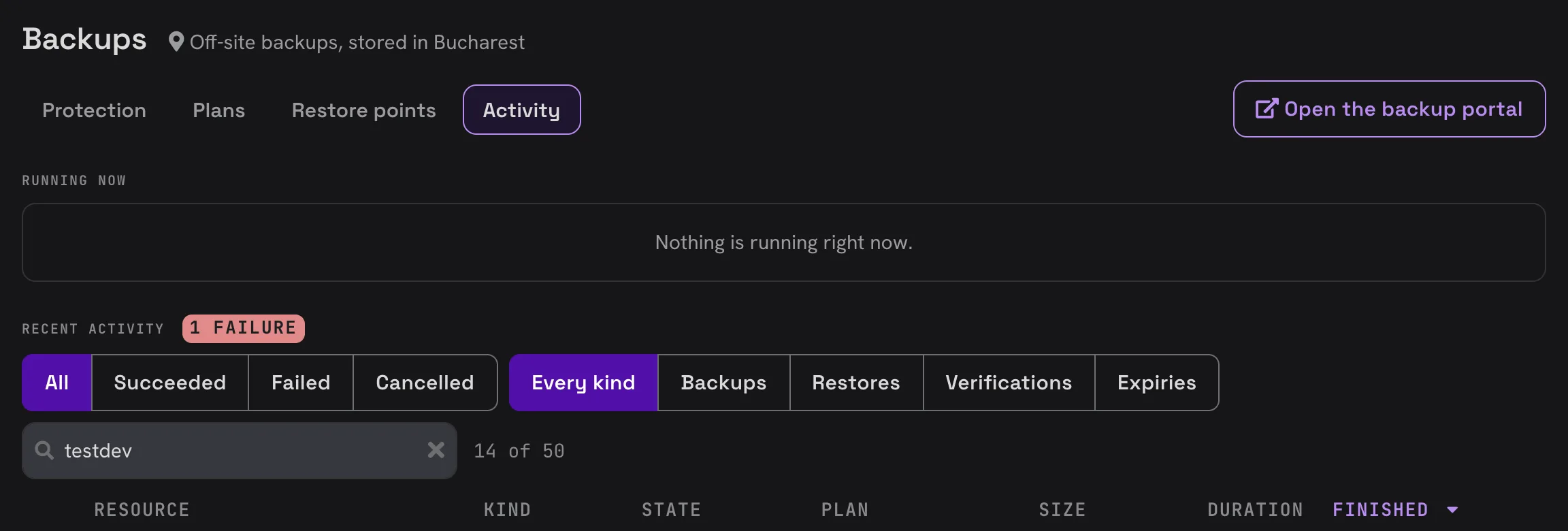
The Activity tab lists everything the platform runs for your backups: what is running now and what has finished.
Running now
Backups and restores in progress, with their progress. The list refreshes on its own while something runs.
To stop a job, open it and click Cancel. The run stops where it is; the next scheduled run of the plan is not affected.
Recent activity
Every finished job, newest first, with its resource, plan, size, duration and when it finished. Filter by outcome (Succeeded, Failed, Cancelled) and by kind, or search by resource, plan or error. The number of recent failures is shown next to the title.
| Kind | What it does |
|---|---|
| Backup | Takes a backup of a resource, on the plan's schedule or on demand. |
| Restore | Restores a backup into a new resource or over the original. |
| Verification | Checks that a backup can be read back. A backup that passes is marked verified. |
| Expiry | Removes backups that reached the end of their retention. |
A job can be queued, starting, running, done, failed or cancelled. A failed job is retried automatically; the number of attempts is shown in its details.
Job details and log
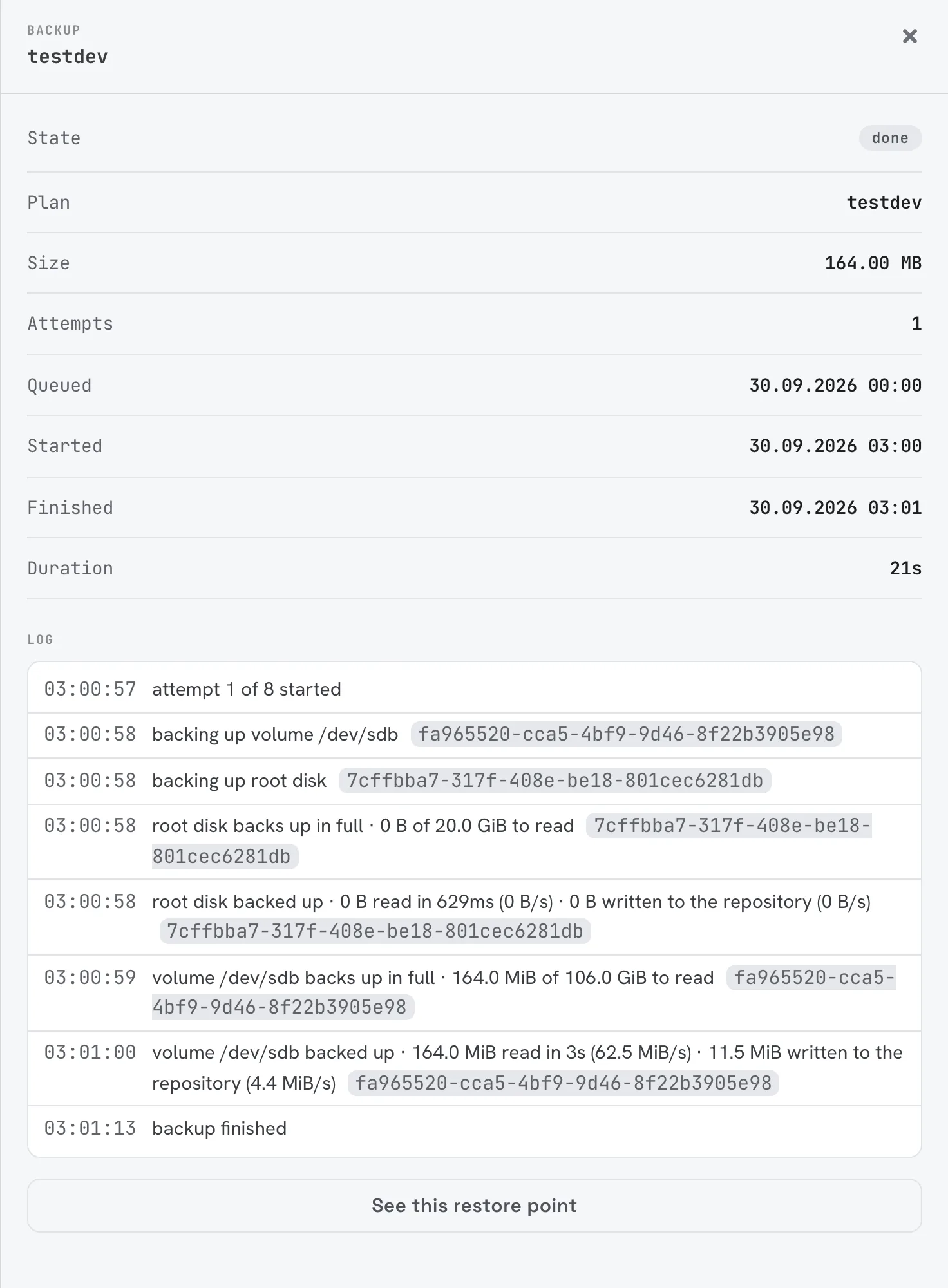
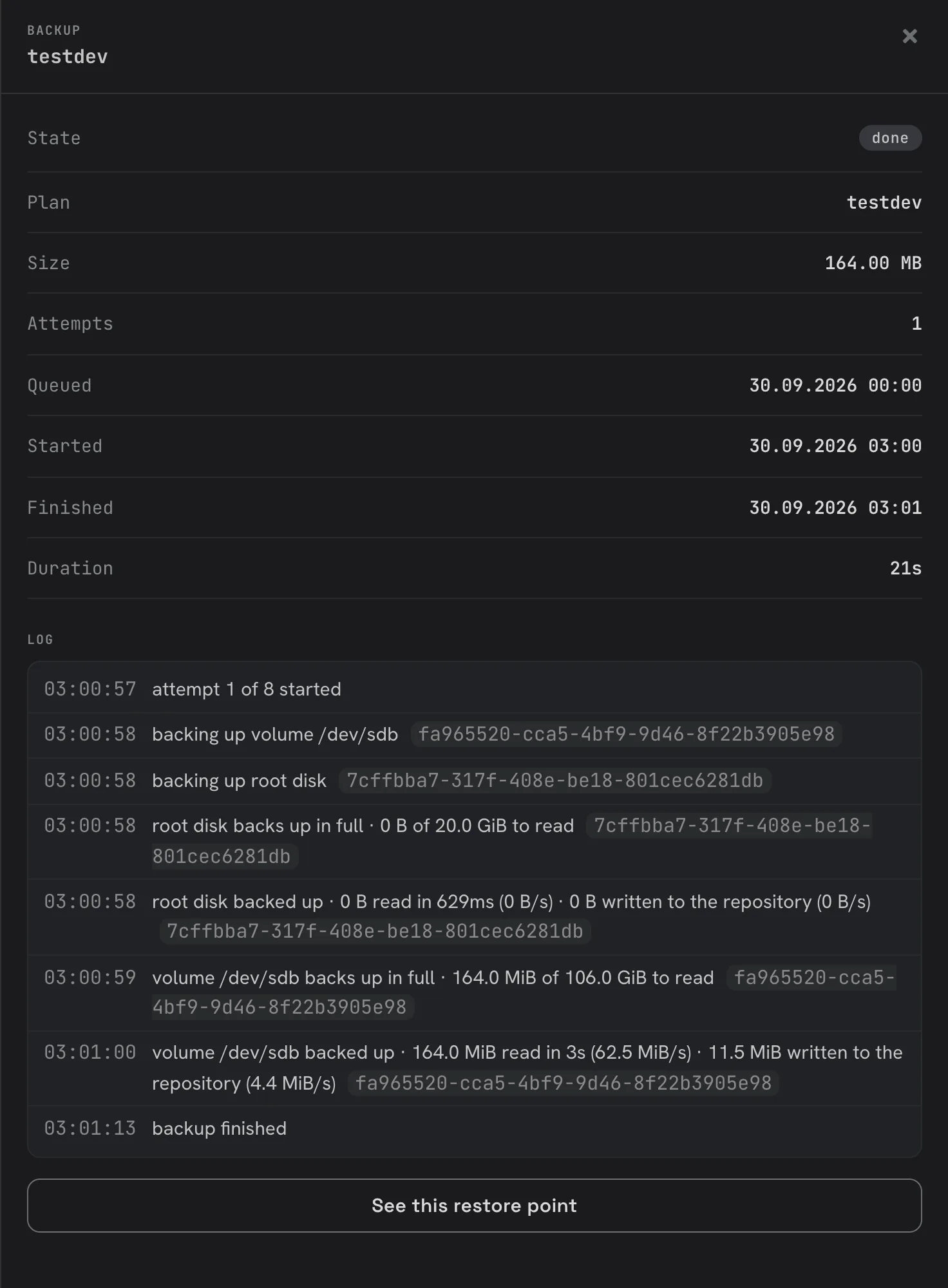
Click a job to see when it was queued, started and finished, how much it read, how many attempts it took and its log: what it did, disk by disk. From a finished backup, See this restore point takes you to the backup it produced.
If a job failed, its error is shown in its details and next to the job in the list. When a resource keeps failing, it is listed under Needs attention on the Protection tab. If you cannot tell why, contact support with the job's details.