Additional IPs
Additional IPs are attached directly to your virtual machine and represent a great way to extend your virtual machine capabilities such as providing Web Hosting or even creating inner Virtual Machines using para-virtualization.
Public IPs
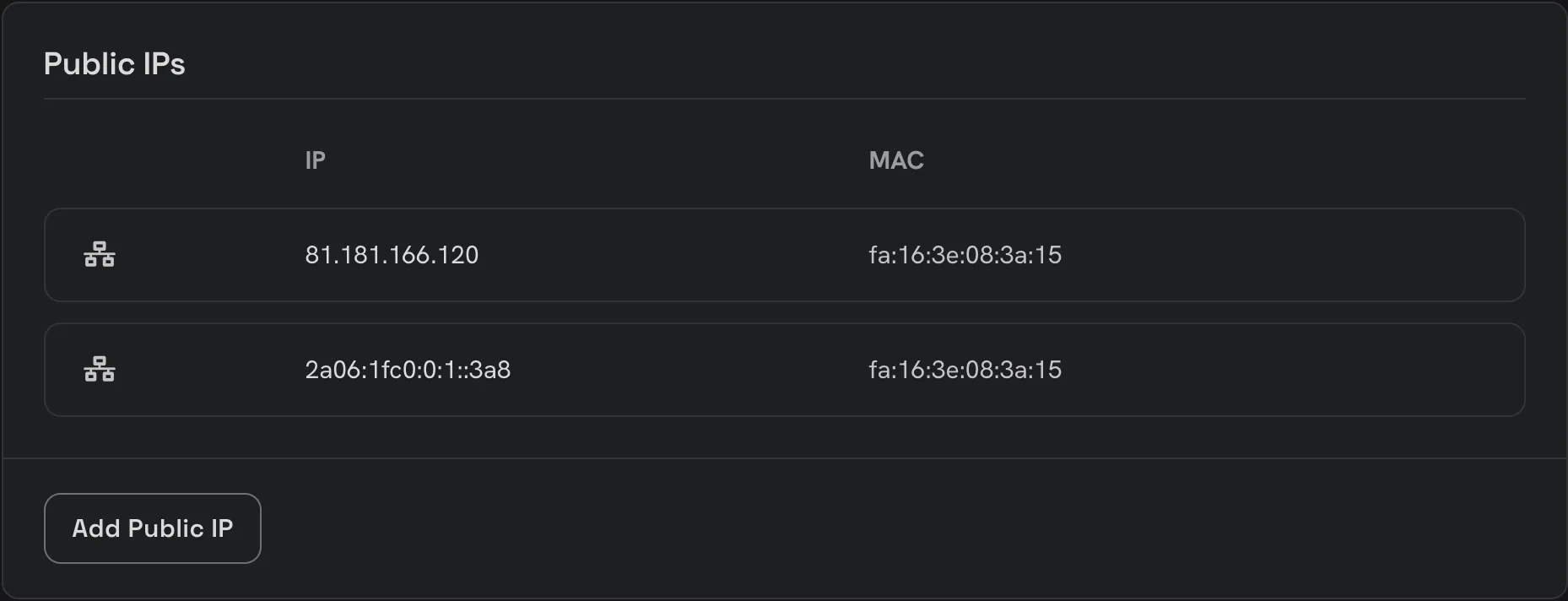
Open your server in the console, go to its Networking tab and find the Public IPs card. Here you see the IPv4 and IPv6 addresses allocated to your server when it was created, with the MAC address each one answers on. Besides these, you can add and manage additional IP addresses.
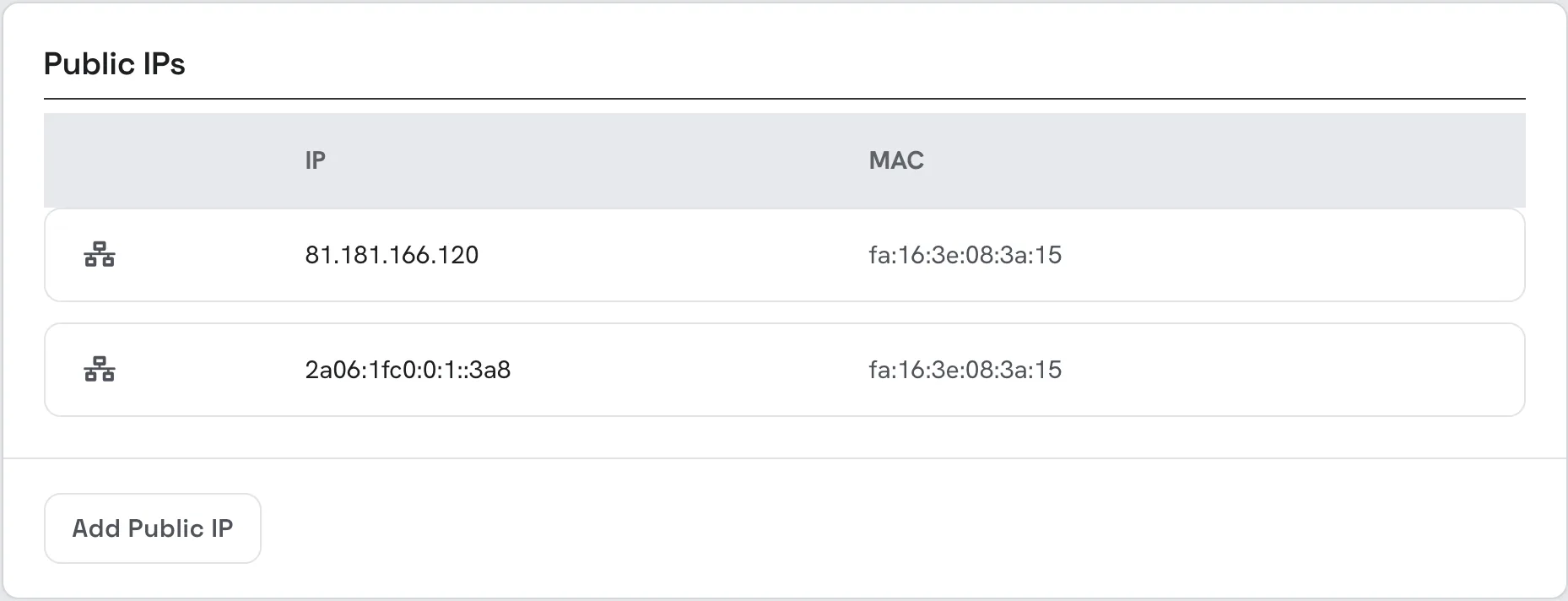
Add a new Public IP
To add a new public IP, click Add Public IP. A new IP is allocated from our public subnet straight away and appears in the list.
Each additional IP can be moved to another MAC address, if you need to assign it to an inner VM, or removed when you no longer need it.
Configure the new IP
If you already use a web hosting control panel (such as cPanel), you just need to add the IP into your control panel web interface and it will do the job for you.
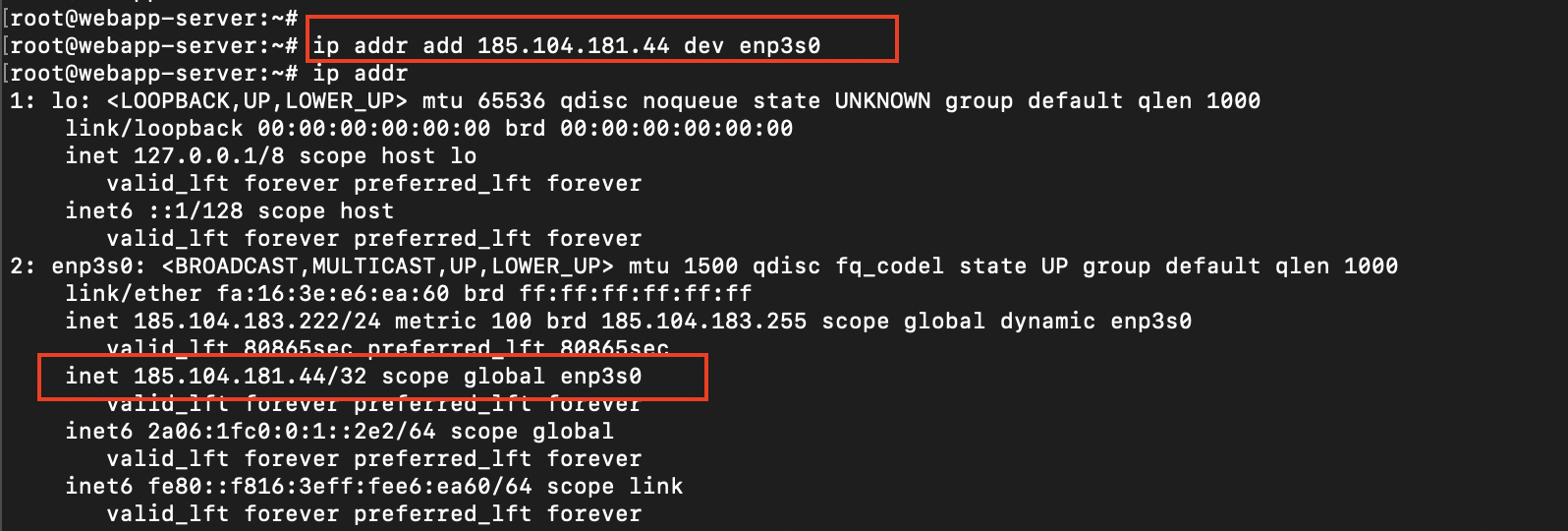
However, if you just want the IP to work from the VM without any control panel involved, you will need to manually add the IP address to the network interface.
In Linux, you can use the ip addr add command to add the IP to the network interface. Note: you must first identify the name of your network interface (i.e by using ip addr), it may be different from case to case.
Verify the connectivity
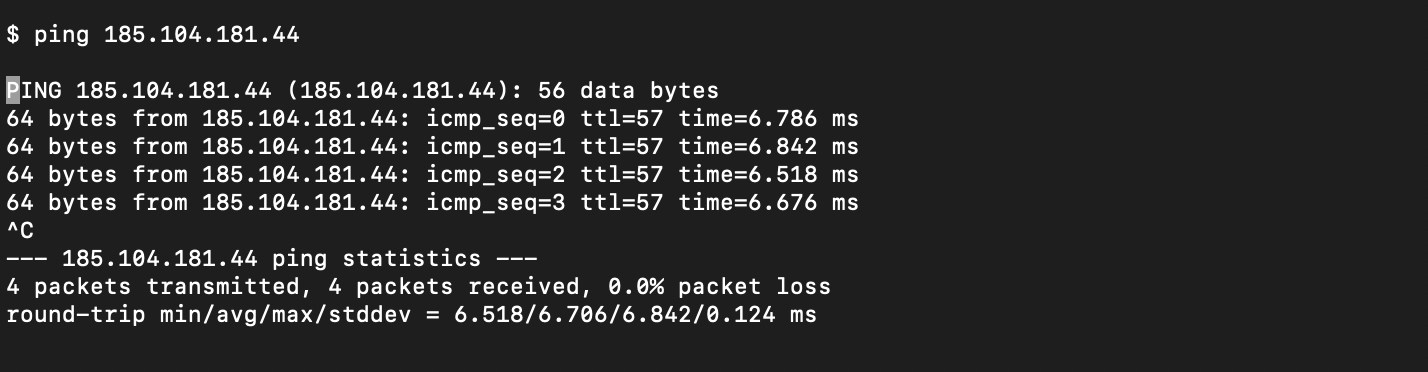
Now let's check if our IP is accessible from outside.
Persist the configuration
The ip addr add command won't persist across restarts. To make it persistent, you must write the new IP address to the network configuration file.
Netplan
First, identify the name of your network interface. In the above example, it's called enp3s0.
Create a new file /etc/netplan/90-additional-ips.yaml just to store the additional IPs. This file will work in addition to the default netplan configuration.
touch /etc/netplan/90-additional-ips.yaml
Edit the file using your favorite editor and place your IP in there:
network:
  version: 2
  ethernets:
    enp3s0:
      addresses:
      - 185.104.181.44/24
      # More IP's can be added below
      # - x.y.a.b/24
Finally netplan apply.