Buckets
A bucket represents a namespace where you store various objects. The "bucket" name comes from the AWS S3 standard, however, in OpenStack Swift, you will find it named as a "container".
For simplicity, in this documentation we will refer to those namespaces as "buckets"
Create a bucket
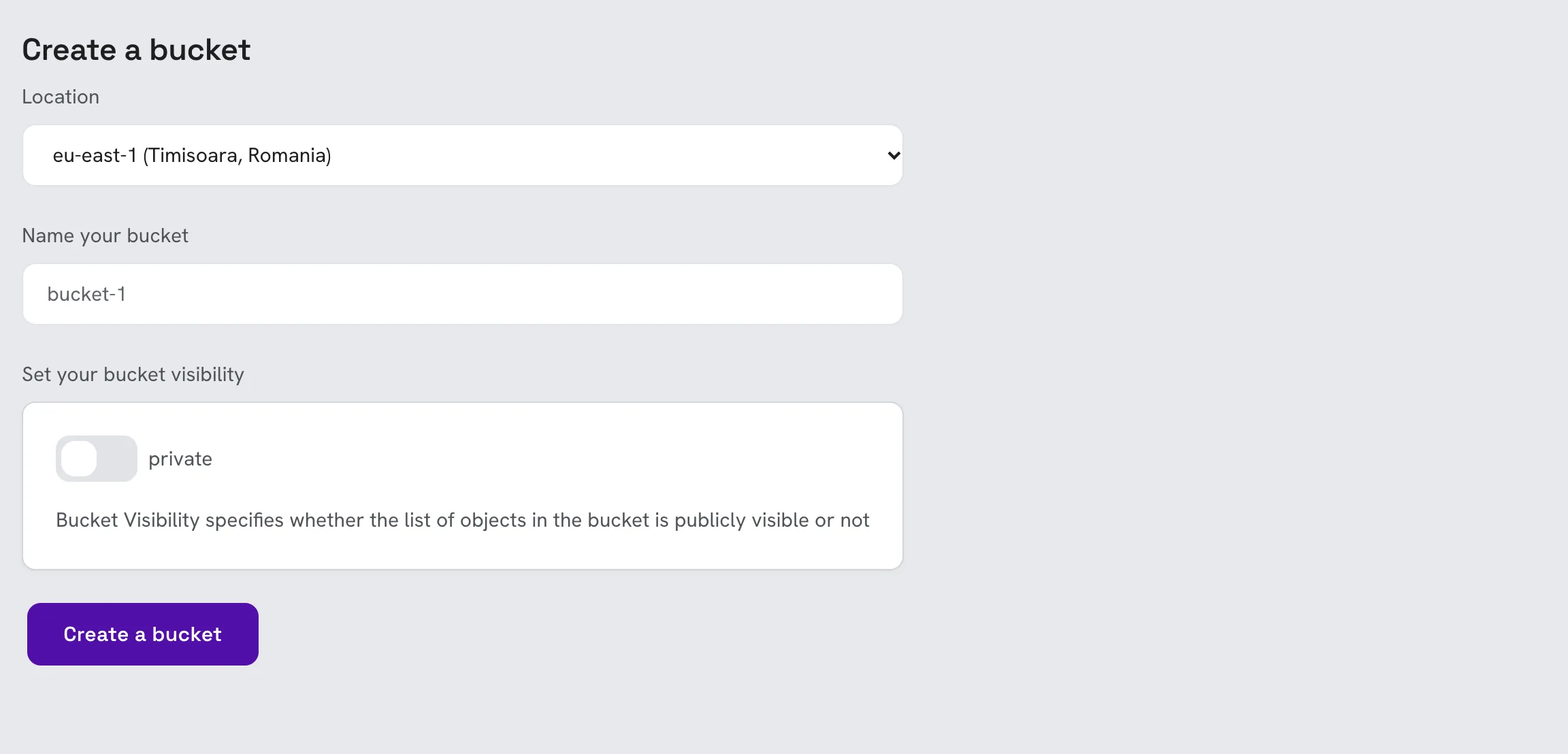
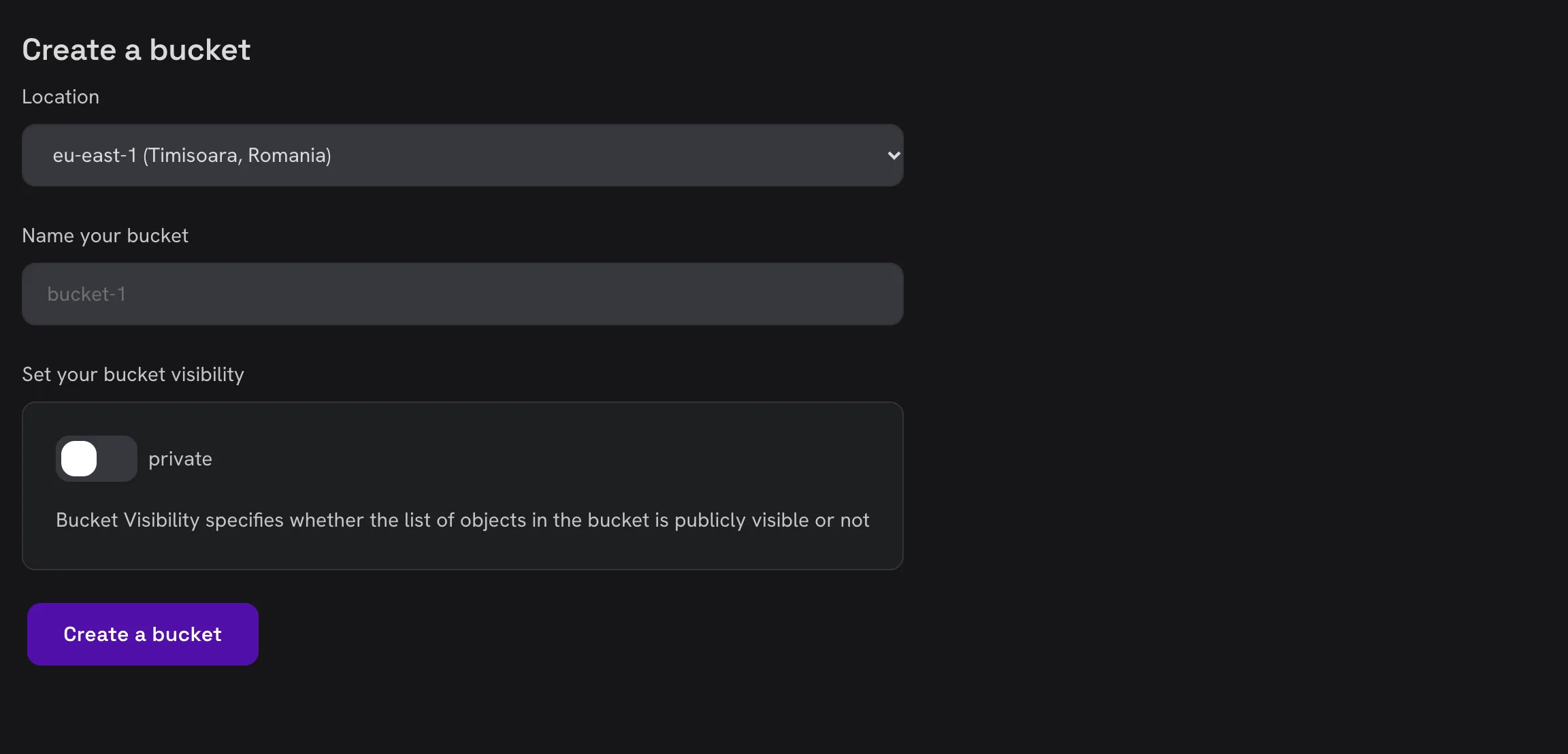
Open Object Storage in the console and click Create bucket.
- Location: the region the bucket is stored in.
- Name: a URL friendly name. Must be unique across our platform.
- Visibility: by default buckets are created as private. You can switch it to public if you want everyone to be able to list the objects in the bucket (not recommended).
Bucket settings
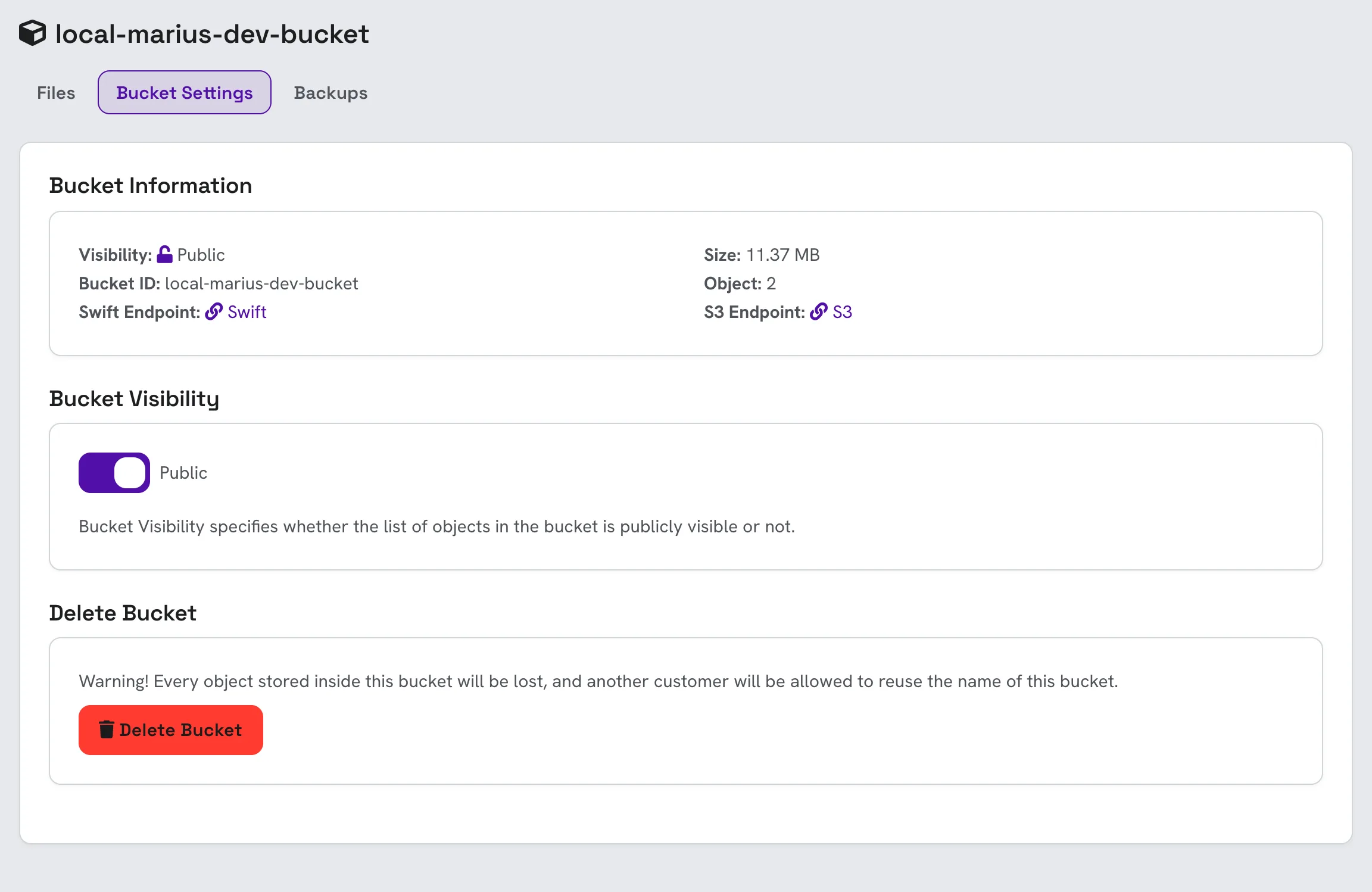
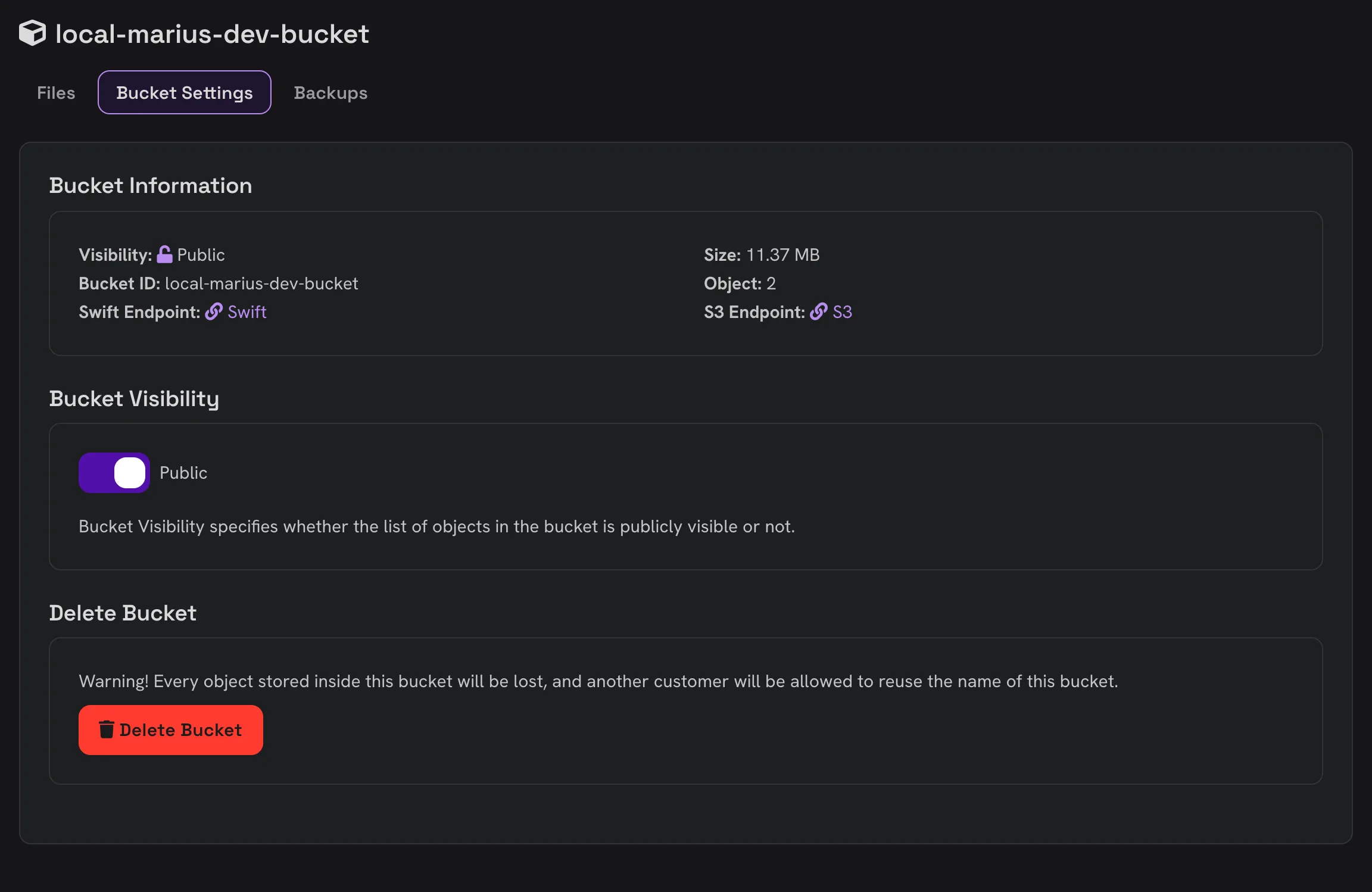
Open a bucket and go to its Bucket Settings tab.
- Bucket Information: the bucket's visibility, ID, size and number of objects, and its API endpoints:
- Swift Endpoint: the URL for accessing the OpenStack Swift API
- S3 Endpoint: the URL for accessing the AWS S3 API
- Bucket Visibility: switch the bucket between private and public.
- Delete Bucket: deletes the bucket and every object in it. The name becomes free for anyone to use again.