Authentication
In order to use the openstack client, you must authenticate using your credentials.
Application credentials
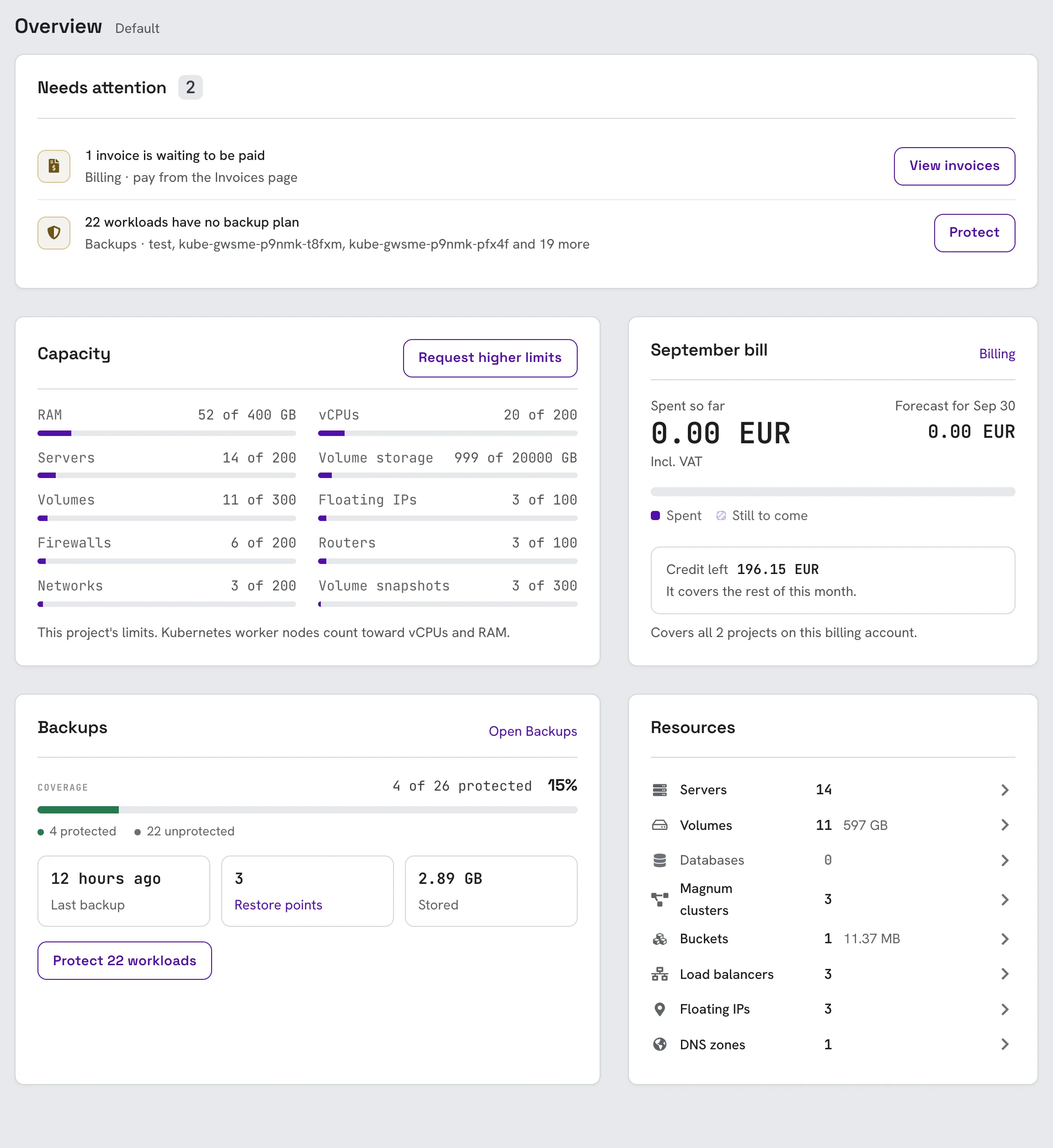
- Log in to the console and open API Access, under Project Management in the left sidebar.
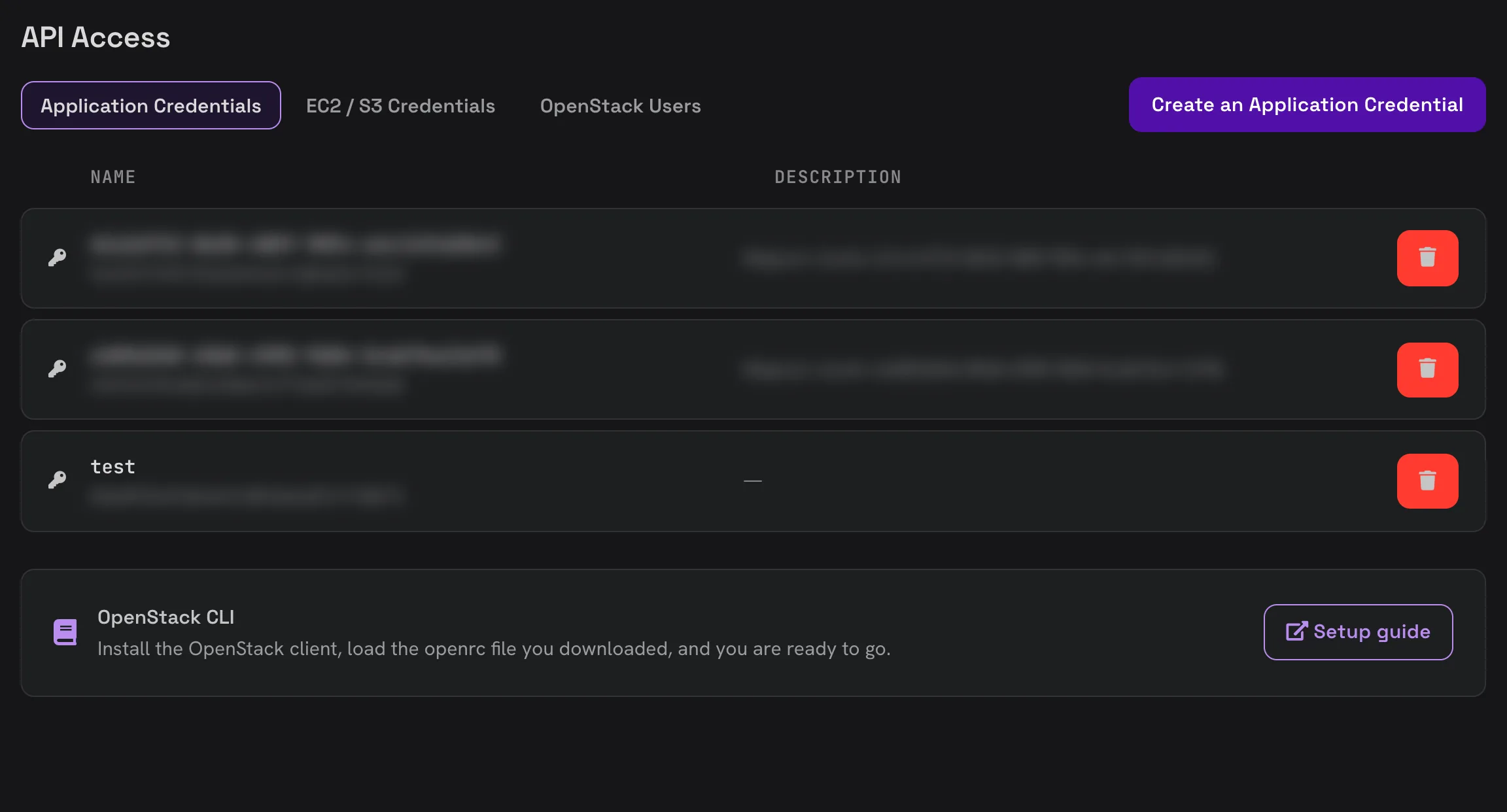
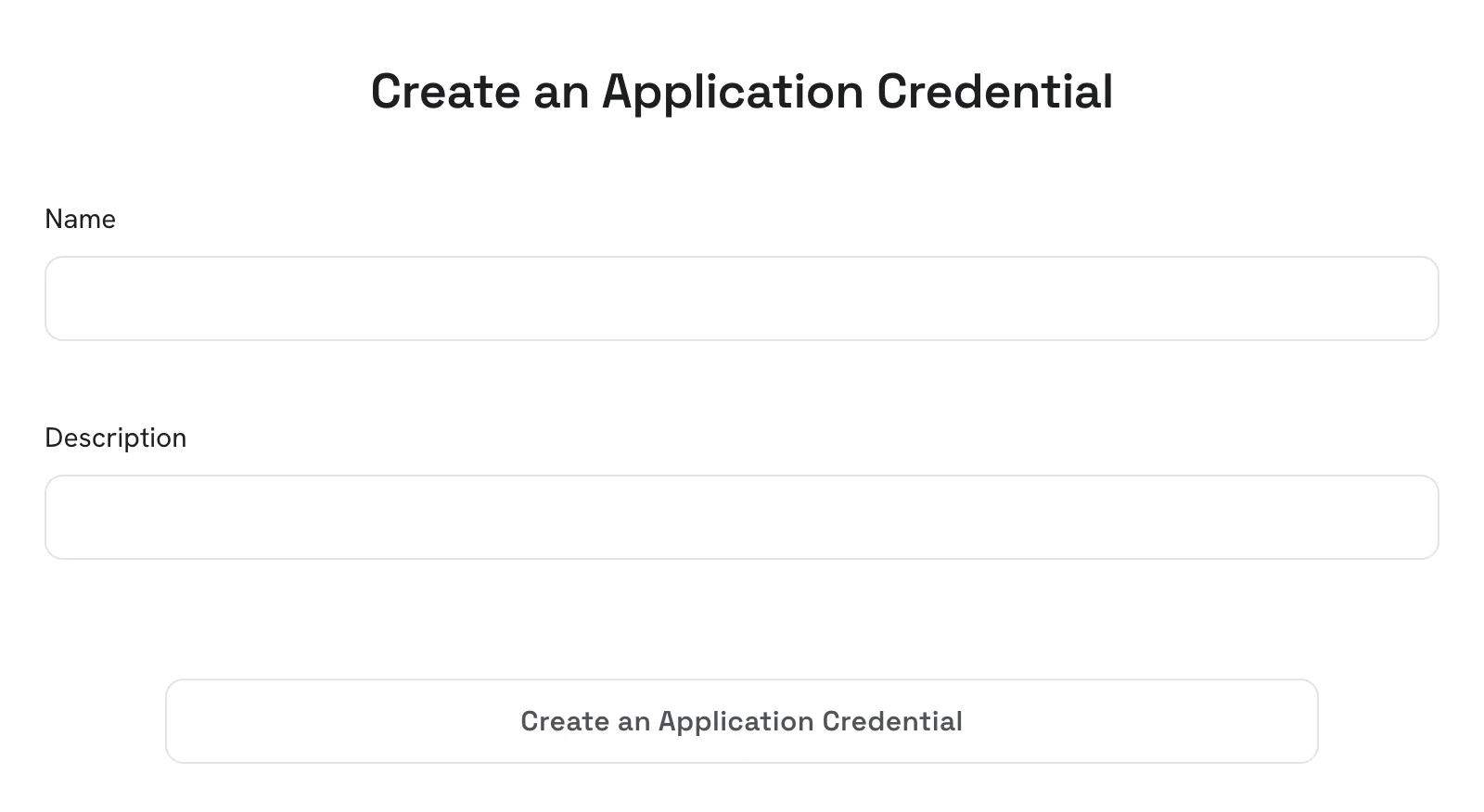
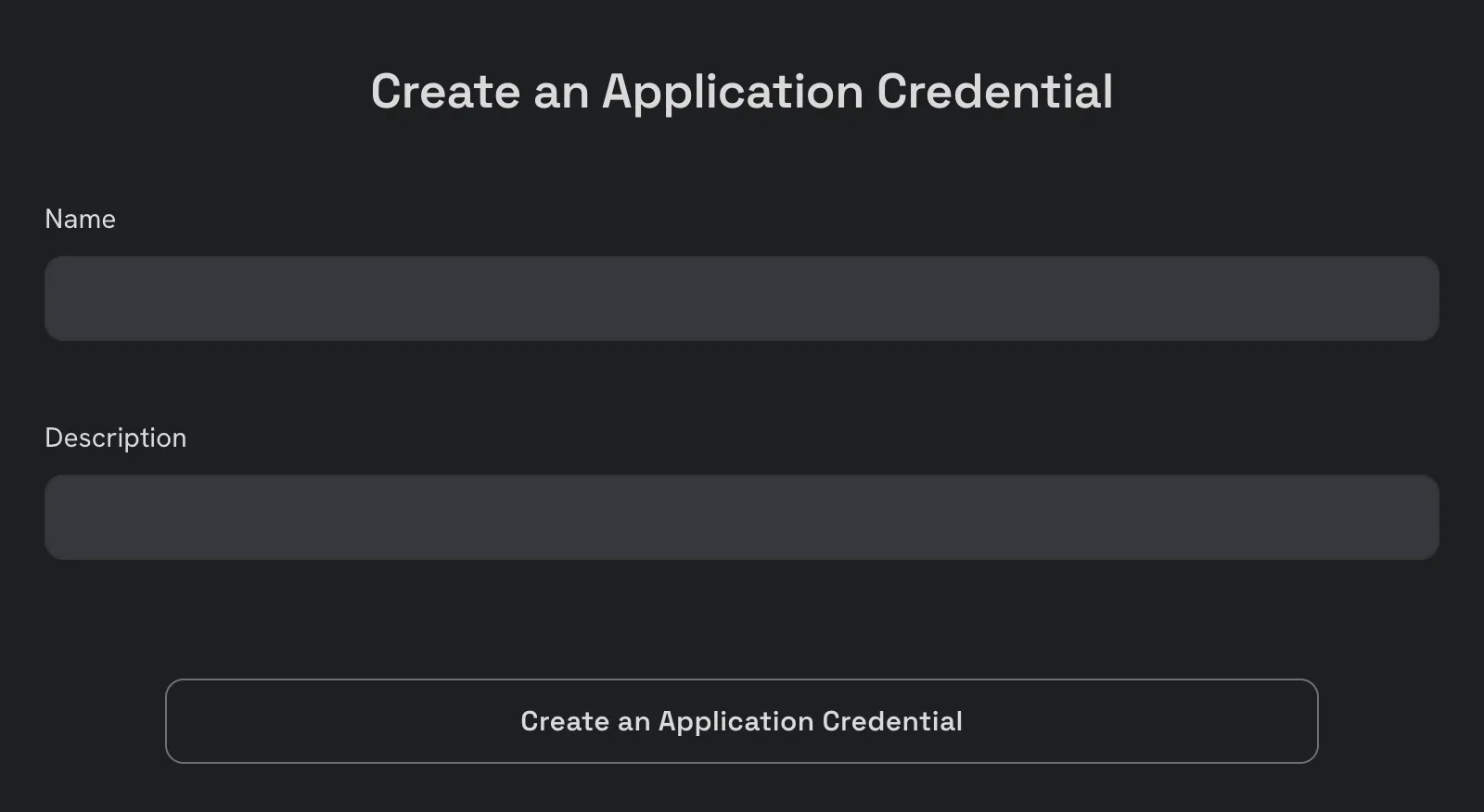
- Click Create an Application Credential, give it a name and, optionally, a description.
- Click Download the openrc file. The openrc file contains all the needed information for accessing the Openstack APIs. Keep it somewhere safe: its secret is shown only once, and is gone when you close the window.
- Next, load the credentials (openrc file) in your terminal
source ./my-credentials.openrc
Note that the actual filename and path must be replaced with your own.
Verify the authentication
Listing the available instance types should work now.
openstack flavor list
+-------------+--------------+--------+------+-----------+-------+-----------+
| ID          | Name         |    RAM | Disk | Ephemeral | VCPUs | Is Public |
+-------------+--------------+--------+------+-----------+-------+-----------+
| 10.51501    | m1.g1.0      |    512 |   15 |         0 |     1 | True      |
| 101220001   | m1.c10.12    |  12288 |  200 |         0 |    10 | True      |
| 101624001   | m1.c10.16    |  16384 |  240 |         0 |    10 | True      |
| 104080011   | eds1.g10.40  |  40960 |  800 |         0 |    10 | True      |
| 104080012   | eds1.c10.40  |  40960 |  800 |         0 |    10 | True      |
...