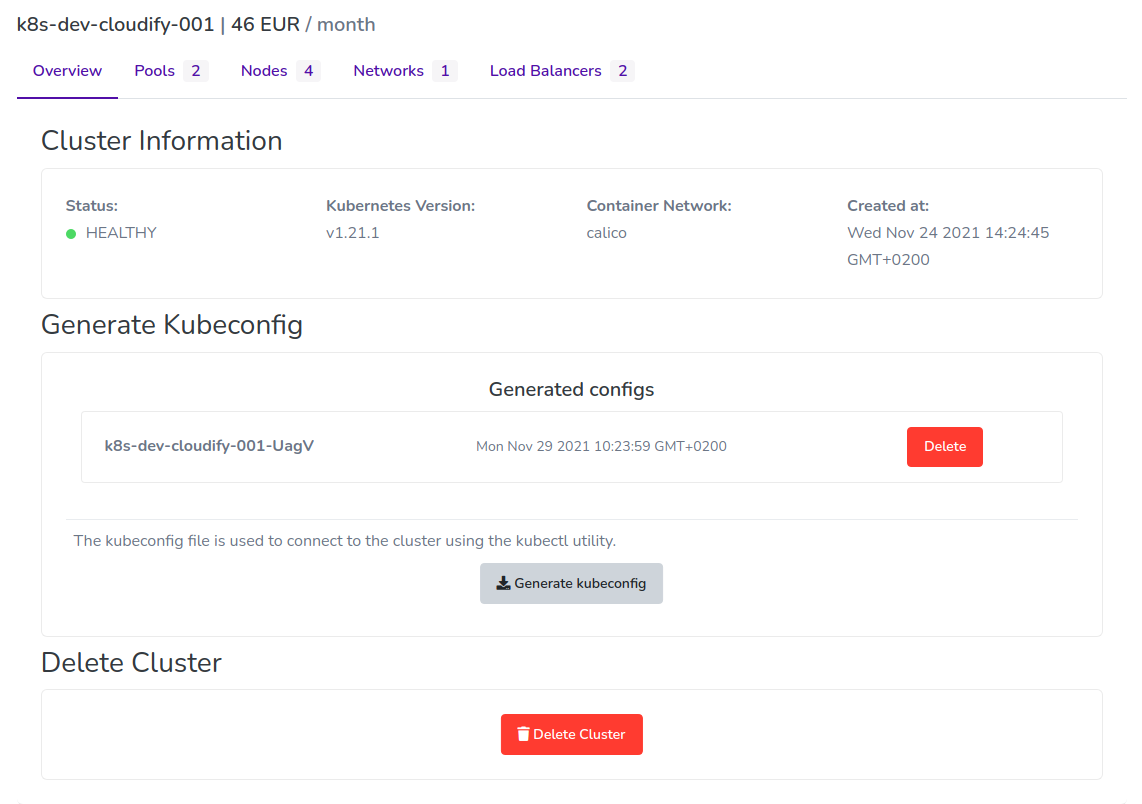
Manage cluster
You can manage your cluster from the Cloudify.ro Dashboard. Here, we show you how to edit from the dashboard.
Requirements:
- You have an account on Cloudify.ro *Register
- You have created a Cloudify.ro Kubernetes Cluster *Create Cluster
How to manage a Cloudify.ro Kubernetes cluster
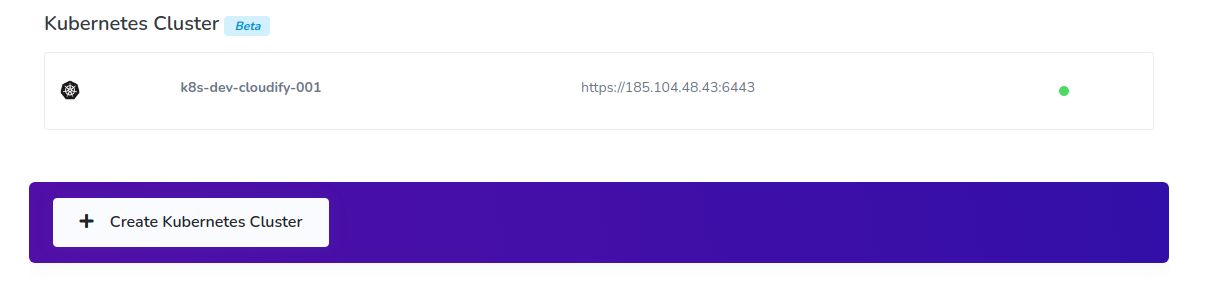
- Click Kubernetes in the Cloud section of the Cloudify.ro dashboard side menu. The Cloudify.ro Kubernetes dashboard displays.
- Click to the cluster you want to show:
The following options are available to see more information about your cluster and to modify its resources:
- Cluster and resources information
- Get kubeconfig: Download the .kubeconfig file of the Cluster
- Delete: Delete the cluster